
YOUR MESSAGE · 4 MIN READ
Create and preview your ad
An ad is the message you want to send. A campaign chooses the audience, sending limit and bid that deliver that message. Create the ad before launching its campaign.
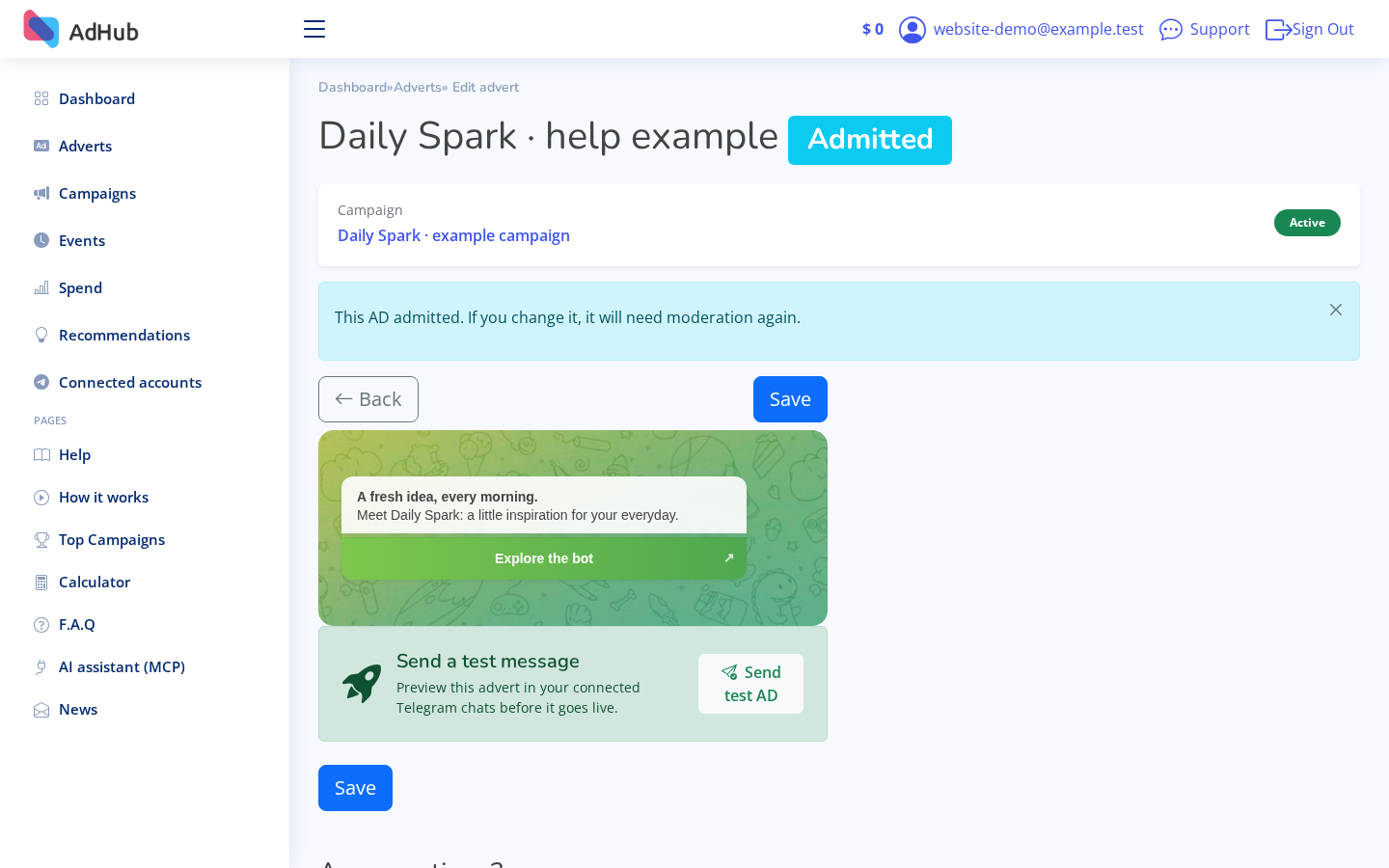
Write a clear message
Open Create an advert. Give it a name you will recognise in your account, then add the message. Explain your offer and its next step clearly. Follow the Terms of Service and make sure you have permission to use the content.
Create an advert →Set media and the destination
Use the editor's supported image or video option if your message needs media. Add a short button caption and the correct destination URL. Check that your destination opens and matches the promise in your message.
Review the preview
Check text, line breaks, media and button together in the preview. The website preview illustrates the ad format; it is not proof of delivery to Telegram. If you use Send test, verify the recipient and understand that it sends an actual test message.
Save and check approval
Save the ad. Approval is required for delivery, and changing ad content can require approval again. If you came from a saved calculator plan, continue to the prefilled campaign form. Creating an ad alone does not launch a campaign.