
YOUR ACCOUNT · 3 MIN READ
Create an account and sign in
You can explore the website, help and calculator without an account. Sign in when you are ready to create an ad or campaign.
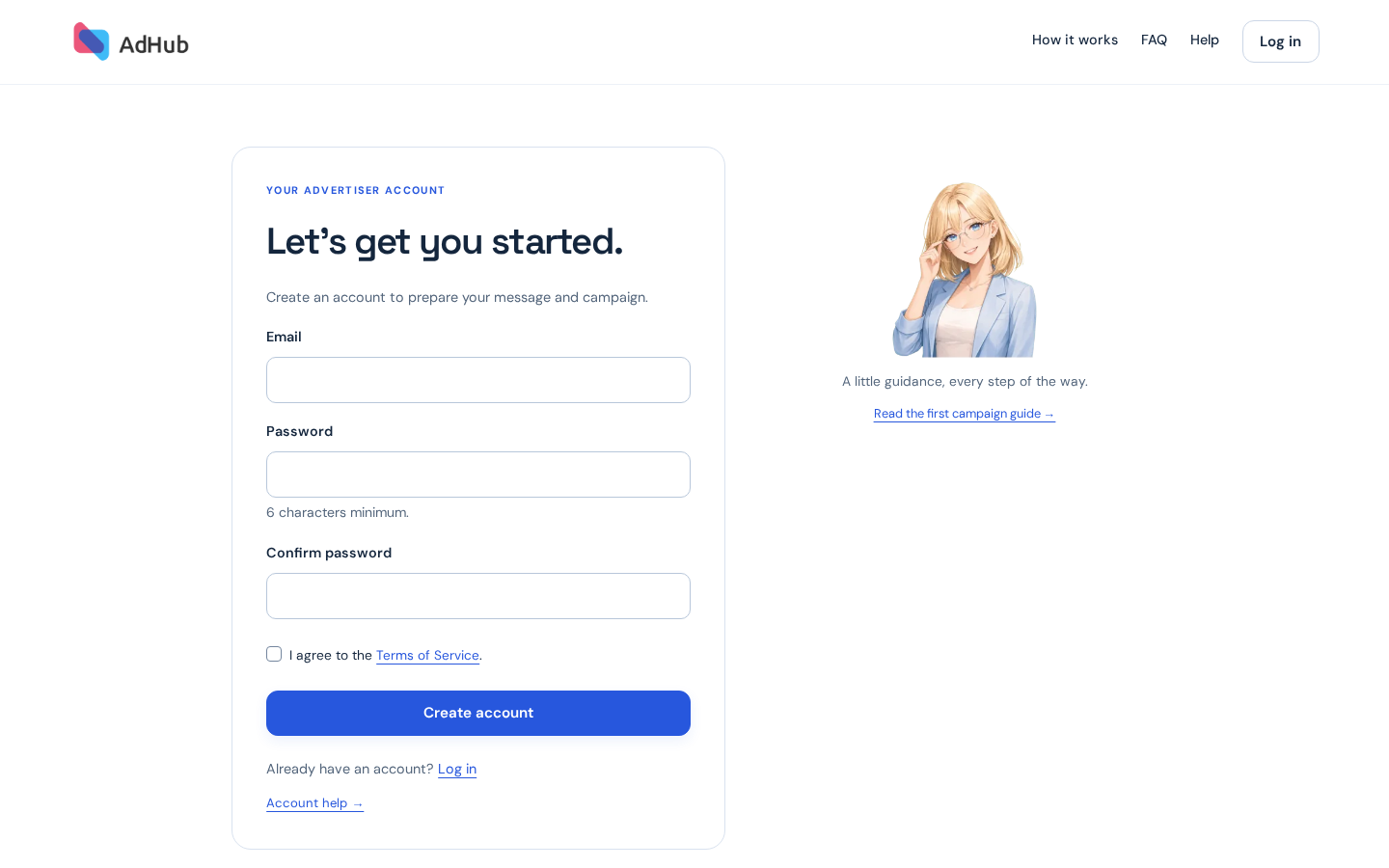
Create your account
Enter an email you can access, choose a password, repeat it and accept the Terms of Service. Submit Create account. Use one account for your advertising so that your balance and campaign history stay together.
Create an account →Already registered?
Use Log in with the same email and password. If you cannot remember your password, use Forgot your password? and follow the recovery email. Check your spam folder if it has not arrived.
Log in →Keep your campaign plan
Continue from the calculator to keep your audience, budget and CPM in this browser session for up to seven days. Links between sign-up, login and help do not clear the plan. If browser data is removed or the plan expires, return to the calculator to make a new estimate. Registration itself does not start a campaign.
Continue with Google
When the Google button is available on the sign-up or login page, choose your Google account to continue. If you are new to AdHub, we create an account using its verified email. Continuing accepts the Terms of Service. If that email already has an AdHub account, enter your AdHub password once to connect Google; your balance and history stay in the same account.
Google account and password recovery
You can set an AdHub password through Forgot your password? using your account email. If you are recovering access before connecting Google, reset the password and then start Continue with Google again. Google sign-in is for customers; administrators continue using their AdHub passwords.